Nectar UI
I realized standard libraries assume too much styling. Nectar is my answer: a headless infrastructure powered by Tailwind v4 variables that allows logic to be shared while aesthetics remain fluid.
Components
Bundle Size
Engineering narrative.
The Token Dilemma
Systematizing Intuition
Designers think in tokens (colors, spacing, radius), but developers often hardcode magic numbers. I wanted a system where the 'Theme' wasn't just a JavaScript object, but a native CSS API. Using Tailwind v4, I mapped semantic variables directly to the browser engine.
Headless Primitives
Accessibility as Architecture
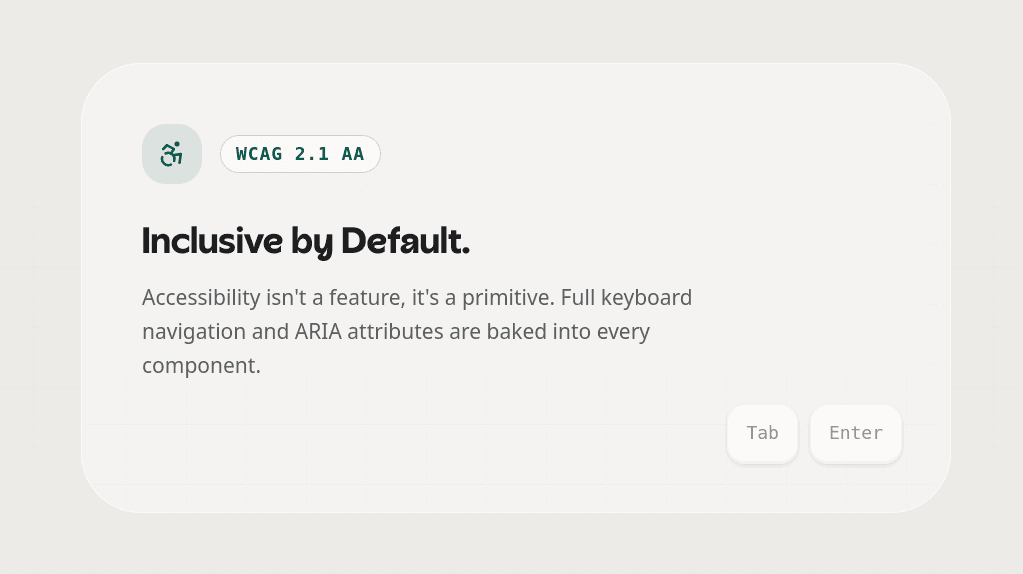
Building accessible components like a 'ComboBox' or 'Dialog' from scratch is error-prone. Instead of reinventing the wheel, I built Nectar on top of Radix UI. This decouples the 'Behavior' (Focus traps, Keyboard nav, ARIA) from the 'Presentation'. My components are accessible by default, not as an afterthought.
Docs as Product
The Developer Experience
A system is only as good as its documentation. I built a dedicated documentation site that acts as a 'Laboratory'. It features interactive playgrounds, physics simulations for buttons, and a live token inspector. This shifts the mindset from 'reading docs' to 'exploring the system'.
Atomic
Composition.
Nectar enforces a strict separation of concerns. Tokens define the physics, Primitives handle the logic, and Compounds allow for flexible composition without API bloat.
Design Tokens
CSS VariablesThe visual DNA (Colors, Typo, Radius) defined in CSS.
Headless Core
Radix UIUnstyled primitives managing state and ARIA.
Nectar UI
The GlueTailwind classes merging Tokens + Primitives.
Consumption
The PortfolioImporting semantically typed components.
By using the new CSS-first configuration, we expose the design system directly to the browser engine, enabling zero-runtime theme switching.
Surface
Composition.
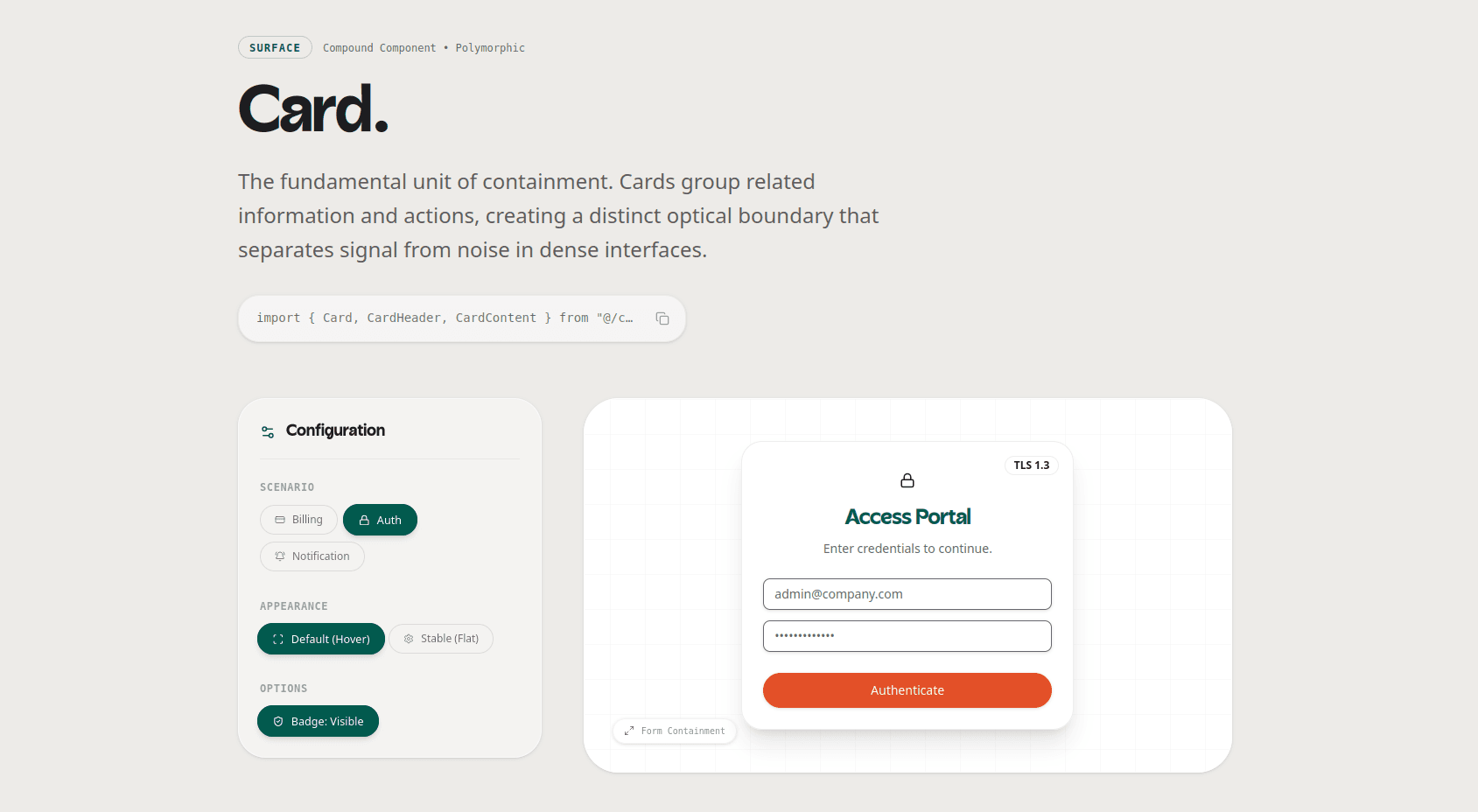
La Card utiliza un Compound Component Pattern para evitar el prop-drilling y permitir layouts flexibles.
Payment Method
Manage your billing details.
Visa ending in 4242
Expires 12/24
Engineering
Manifesto.
Rules I imposed on myself to ensure this wasn't just another UI kit.
Colocation
Documentation lives next to the code. If I update the component, I update the docs immediately.
No Magic Numbers
Every padding, margin, or color must come from a Token. Hex codes are banned in component files.
Polymorphism
Components support the 'asChild' prop (via Slot), allowing them to merge with other DOM elements seamlessly.
Zero CLS
Components enforce explicit dimensions to prevent layout shifts during hydration or loading states.
Engineering
Trade-offs.
Every project is a series of decisions. Here are the critical pivot points where I had to balance technical purity with business reality.
The cost of 'Too Much Dry'
I learned that early abstraction is the root of all evil. I had to duplicate some code initially to understand the common patterns before extracting them into the 'cn' utility and base variants.
Developer Experience is User Experience
If the API is hard to use, the UI will be buggy. Spending time on strong TypeScript definitions saved me hours of debugging in the consuming apps.